An unplugged coding maze teaches sequencing: write one clear direction at a time, test the route and correct instructions that do not work.
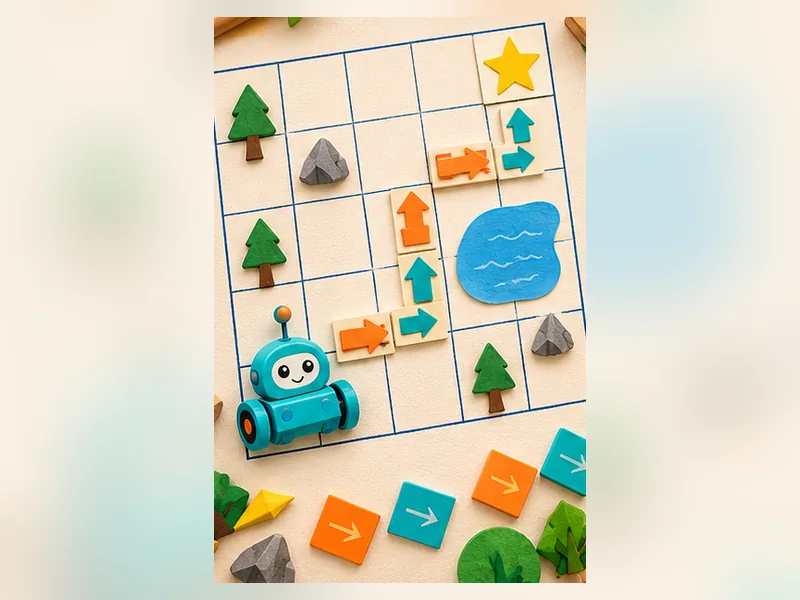
What you will learn
Algorithms are ordered instructions that can be tested and improved.
Skills: Algorithms, order, testing and debugging
Jump to picture steps ↓What you’ll need
- Graph paper
- Pencil
- Small toy or drawn character
Get ready: Draw a five-by-five grid clearly and mark two destinations.
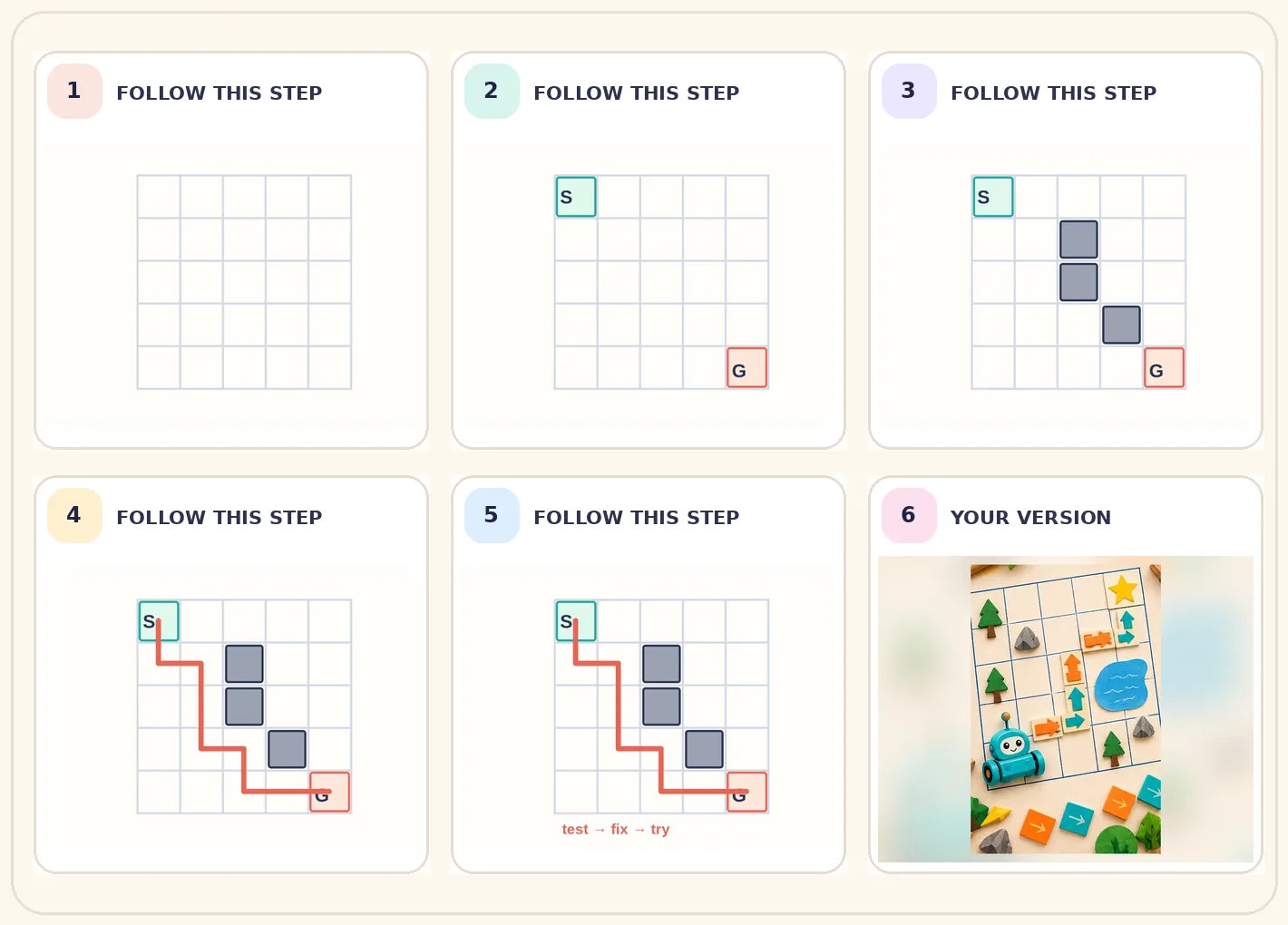
Make it, one picture at a time.
Look at the picture, try that step on your paper, then move to the next. Follow the numbered stages, then choose your own colours and details.
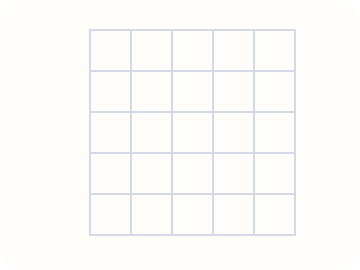 STEP 01
Draw a grid that is five squares wide and five squares tall.
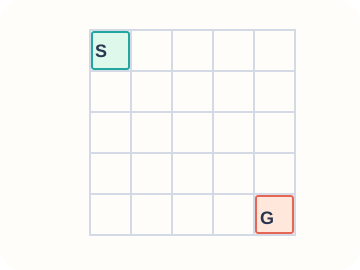 STEP 02
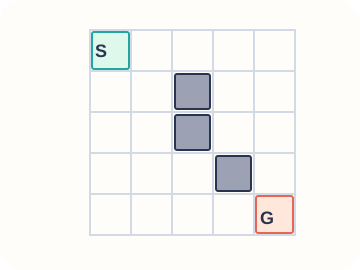
Mark START in one corner and GOAL in a different corner.
 STEP 03
Draw two or three blocked squares that the character cannot cross.
 STEP 04
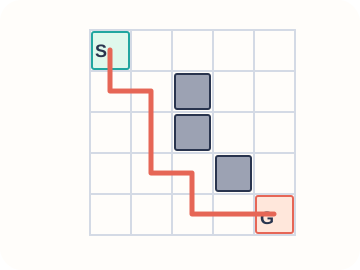
Write a sequence of arrow instructions that takes the character from START to GOAL.
 STEP 05
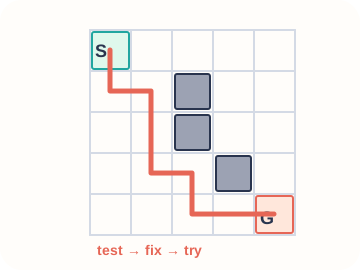
Ask someone else to follow your instructions exactly. If the character gets stuck, find the wrong step and fix it.
Make it your own
A good puzzle permits several routes. Let the child compare a short route with a longer but still correct route.
Talk about it: What is the first instruction you would change to fix a wrong path?
Help a young artist learn
These practical notes are for parents, carers and teachers. Children can follow the picture steps above.
For parents and carers — teach together
Start together
Draw a five-by-five grid clearly and mark two destinations.
During the activity
Pretend to be a robot that must follow exactly the given arrows.
Afterwards
Ask: What is the first instruction you would change to fix a wrong path?
For teachers — classroom adaptation
Learning focus
Algorithms, order, testing and debugging
Demonstrate and guide
Pair learners as programmer and robot; switch roles after a test.
Observe, do not grade the artwork
Ask learners to describe one choice they made and one thing they would try differently.
Make it easier or take it further
Make it easier
Use a three-by-three grid with no obstacles.
Extra challenge
Find the shortest valid path and compare it with another route.
Keep creating
Invent a sorting game with changing rules
Use everyday objects to explore patterns, categories and logical rules.
A seven-day creative challenge for kids
Try one manageable creative task each day with no expensive supplies.
Activities are suggestions, not assessments. Adapt materials and supervise as needed.